7 Latest Illustrations How To - Free illustrations, backgrounds and illustrator templates in eps and ai formats. How to use illustration in a sentence. Text on cartoon illustrations . Transform photos into watercolors with a free. Illustrations how to 7 Successful Illustrations How To . Illustrations images photos vector graphics illustrations videos. On pixiv how to draw page, you can easily find drawing tutorials, step by step drawings, textures and other materials. There are many types of. Illustrations how to 500+ free illustrations & animations. How to make flat illustrations original and add personal style to them today, many designers try their creativity in flat illustration. Suggestive illustrations on the gospel of john: Illustrations how to The meaning of illustration is something that serves to illustrate. Adobe.com has been visited by 100k+ users in the past month Attract more visitors and increase your conversion rate with custom made illustrati...
8 Awesome How To Add A Location In Google Maps - How do you draw a radius circle on google maps? All you need to do is find a landmark or business that isn't listed.
 How to add Location in Google map in odia Add home shop . Doing so will open the map view.
How to add a location in google maps

13 Value How To Add A Location In Google Maps. How to save location on google maps using your iphone or android phone first, open the google maps app from your iphone or android phone. The place shows publicly once it’s added. This is a really nice and easy process to add any places or location on google maps. How to add a location in google maps
Add your location on google maps — it’s easy and free now that you have added your location and business details to google map, you can expect more people to call or visit you. Can you add a radius to google maps? Now point at your location to add place to google maps. How to add a location in google maps
Open or create a map. Tap “done” when you’re finished. How to add location in google maps. How to add a location in google maps
You can add missing places to the map. Places you can add include landmarks, coffee shops, or other local businesses. You can either search for an address or just search around the map till you find your location. How to add a location in google maps
Click on menu from top left corner and click on “add a missing place”. A map can have up to 10,000 lines, shapes, or places. We will call the google map api on our web page using How to add a location in google maps
Open the google maps app. In the bottom right, tap add and then add a new point. (click on satellite view for more accuracy). How to add a location in google maps
Add markers as a child component of the map to add the markers to a map, the marker component will be passed to the map component using the special children prop as. In the above code, new google.maps.map() creates a new google maps object. The tool loads the map data from google maps, that means it’s just the same but with the radius ring feature added on top. How to add a location in google maps
Drag the map until the x is where it is desired to be, then tap select this location. I am trying to create a google form with a map that focuses on a country (japan in this case), which allows users to find a location in japan, click on it, and have a lattitude and longitude box on the form automatically The center property tells the api where to center the map. How to add a location in google maps
Open google maps from desktop and sign in using your google account. A map can have up to 10,000 lines, shapes, or places. You can add a location in google maps easily on desktop or mobile. How to add a location in google maps
The component returns null as google.maps.map manages the dom manipulation. Google maps is the best maps to fin. After that, they'll be able to add more information and post updates to their profile. How to add a location in google maps
Tap the google maps app icon, which resembles a location pin on a map. Your business is so much easier to find now, and people will look you up on google maps. Add location name, address, category, phone number and click on the submit. How to add a location in google maps
Open or create a map. If prompted, select an account or enter your email. On an android phone or tablet, open the my maps. How to add a location in google maps
Save favorite places on the You can add important places by searching for locations or drawing them directly on the map. Some lists will allow you to add a note about the location as well. How to add a location in google maps
Then, select an address you’d like to save. Give the added place a name and choose a layer. Learn how to fix a missing address or pin location. How to add a location in google maps
To add more information to google maps, they'll need to claim the listing and then verify it using a postcard. Add a place on your computer, sign in to my maps. To access your lists, go to the “saved” tab from the main google maps screen. How to add a location in google maps
At the bottom of the screen, the location or the address will pop up. Learn more about getting latitude/longitude coordinates, or converting an address into geographical coordinates. How to add a location in google maps
 How to Add Place Marks in Google Earth YouTube . Learn more about getting latitude/longitude coordinates, or converting an address into geographical coordinates.
 How to add google map in Contact page of OpenCart? no . At the bottom of the screen, the location or the address will pop up.
 How To Drop Pin On Iphone Google Maps inspire all about . To access your lists, go to the “saved” tab from the main google maps screen.
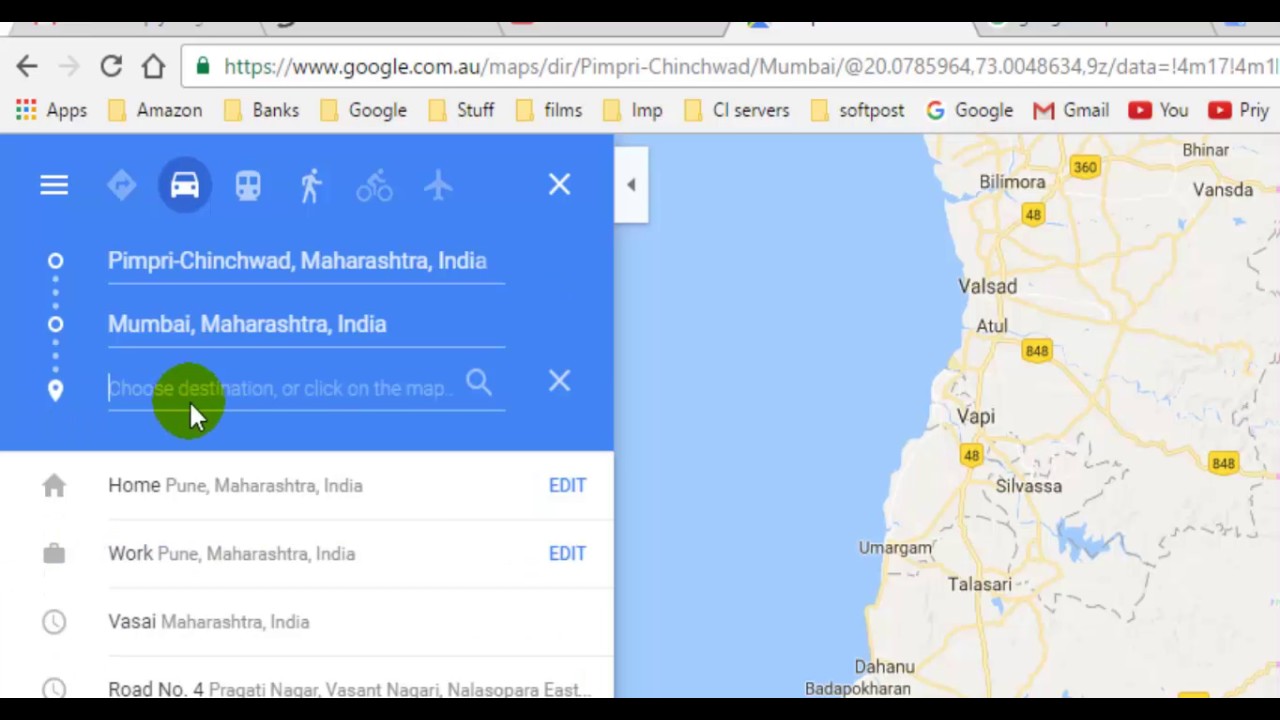 How to add more destinations in Google maps YouTube . Add a place on your computer, sign in to my maps.
 How To Add Google Maps Location In Html And Php Website . To add more information to google maps, they'll need to claim the listing and then verify it using a postcard.
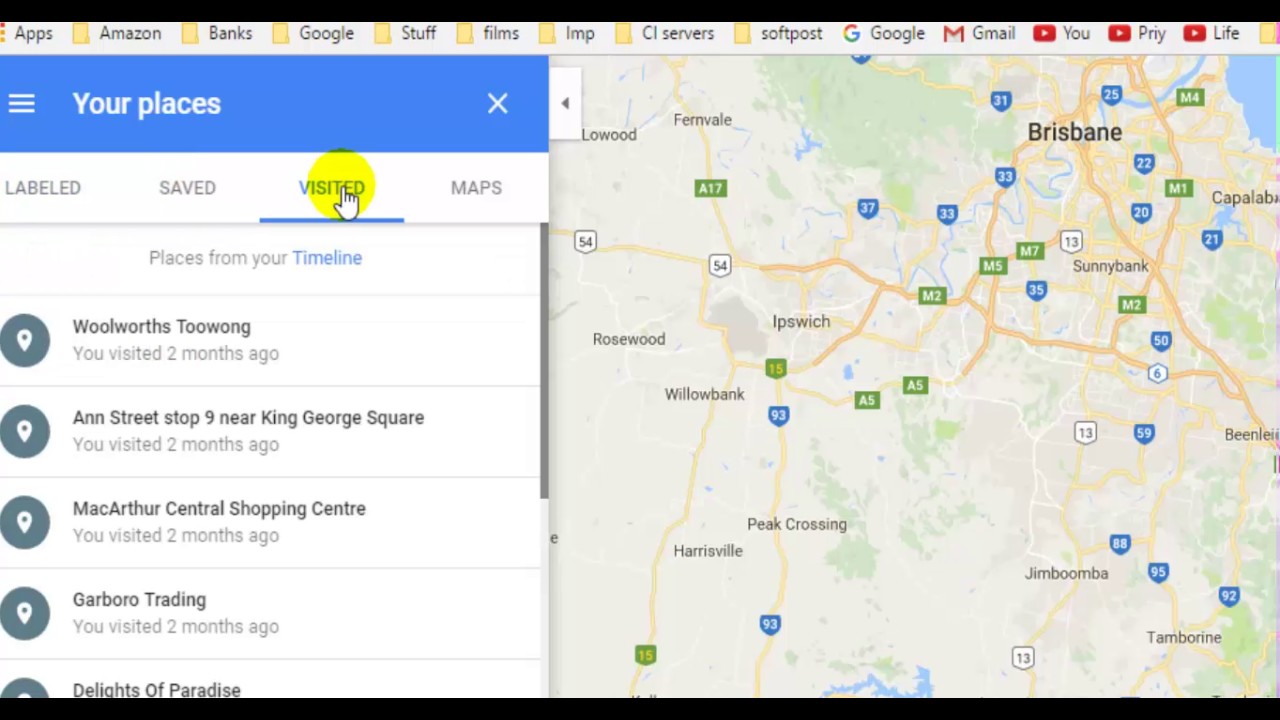 How to add home address in Google maps YouTube . Learn how to fix a missing address or pin location.
 How To Add Location In Google Map Fast GameTransfers . Give the added place a name and choose a layer.
 Add a google location map with multiple places. . Then, select an address you’d like to save.
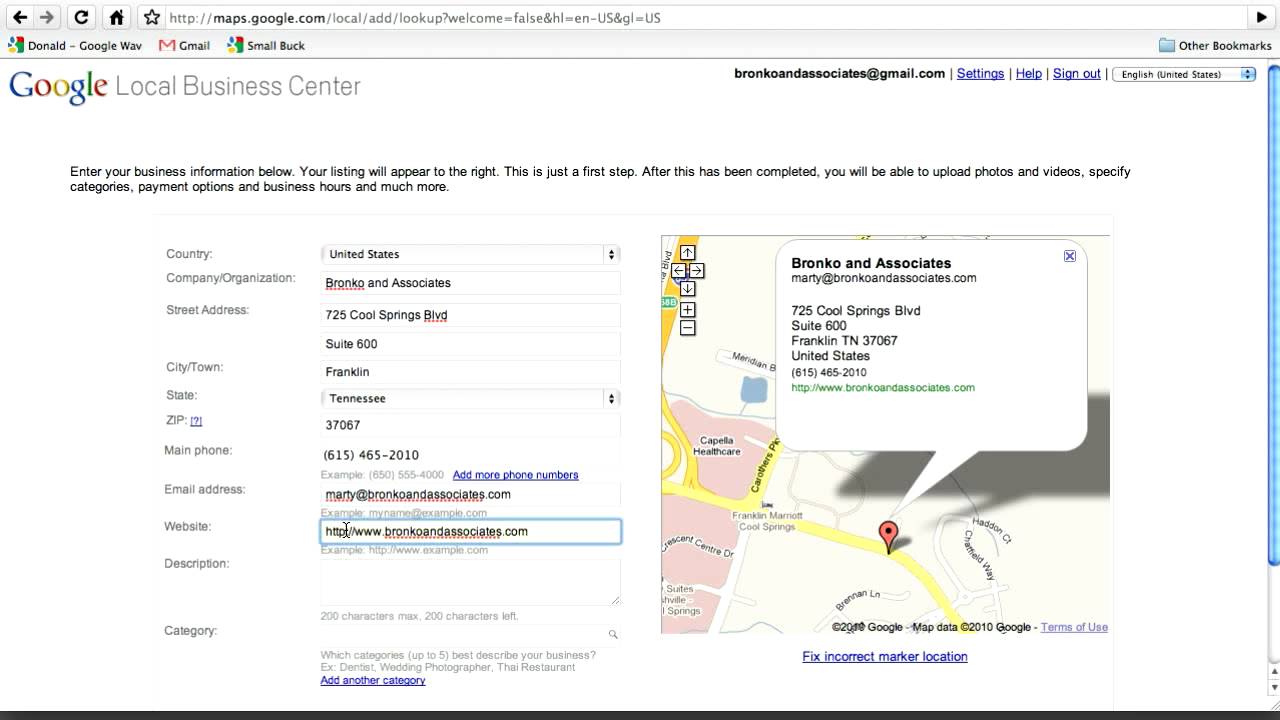 How to add your business location to google maps YouTube . Some lists will allow you to add a note about the location as well.

Comments
Post a Comment