7 Latest Illustrations How To - Free illustrations, backgrounds and illustrator templates in eps and ai formats. How to use illustration in a sentence. Text on cartoon illustrations . Transform photos into watercolors with a free. Illustrations how to 7 Successful Illustrations How To . Illustrations images photos vector graphics illustrations videos. On pixiv how to draw page, you can easily find drawing tutorials, step by step drawings, textures and other materials. There are many types of. Illustrations how to 500+ free illustrations & animations. How to make flat illustrations original and add personal style to them today, many designers try their creativity in flat illustration. Suggestive illustrations on the gospel of john: Illustrations how to The meaning of illustration is something that serves to illustrate. Adobe.com has been visited by 100k+ users in the past month Attract more visitors and increase your conversion rate with custom made illustrati...
9 Simple How To Retrieve Photos From Google - Tap on it to check out all your deleted photos. At this moment, you can try easeus android data recovery software to retrieve your data.

How to retrieve photos from google

10 Uncovered How To Retrieve Photos From Google. You can also see the trash option in google drive. Here's the link explaining how to recover them from trash. By manually downloading the files you need, or by requesting the creation of a single archive that contains them all (through the service google takeout ). How to retrieve photos from google
In both cases, you will need to know the password of your google account: Step 2 tap the top left menu. Get photos off a broken phone with google photos backup. How to retrieve photos from google
Recommended answerrecommended answers ( 1) good afternoon. Firstly, you need to open google photos on your android device. On opening the trash, you will see all the deleted photos. How to retrieve photos from google
Files that are accidentally deleted from google photos will stay in your trash for 60 days. At the bottom of the screen, there is a ‘library’ tab, just tap on it. Tenorshare ultdata for android is worth a try if you want to recover deleted google photos after 30 days/60 days. How to retrieve photos from google
Also what is the time from google support to answer, because 2 days ago i have send feedback with this request, and i have not get answer, so far. Basically, it is possible to recover data backups from google drive in at least two ways: Step 4 select the photo that you want to recover. How to retrieve photos from google
If you delete a photo from your phone once backed, and you want it back on your phone, you need to download it from ‘google drive’ back. Now , when i have downloaded photos i realized that photos are far from original quality and that i can not use it. Remove sd card from a broken android phone to another phone. How to retrieve photos from google
One can easily retrieve photos from google backup photos. You can select multiple items. So, if you permanently deleted your photos or video on your phone, you can try to fully retrieve them back in trash during this period. How to retrieve photos from google
Except for photos & videos, it can help you restore other types of files like messages, contacts, documents, etc. If you had the google photos app installed on your lost phone, and your pictures were previously uploaded to your google account, then all of them are still available to you. You can rapidly retrieve your google photos using a few simple steps. How to retrieve photos from google
Deleted some photos from my gallery after checking google photos that the photos was uploaded. If it has been quite a long time since you deleted photos from google photos, but you now want to recover your photos, the above methods should help you out. Step 3 tap on the option trash. How to retrieve photos from google
Step 1 open google photos app. If you fail to recover the deleted files from google backup photos within 30 days then you’ll permanently lose those pictures. If you still can't find your photos, then unfortunately there isn't a way to retrieve them. How to retrieve photos from google
How to retrieve google backup photos on android and ios the process for retrieving deleted content in google photos on android and ios differs slightly from the pc method. Here are the steps you should follow to find photos you might be missing: In the bottom left corner of google photos, you will see the “library” option, click on it followed by selecting “bin”. How to retrieve photos from google
Now, from the available options, choose trash as shown. Step 5 click on restore. Now the photo that you have selected will be restored back to the main window in photos app. How to retrieve photos from google
On your android phone or tablet, open the google photos app. Go to photos.google.com on your pc. But after i check again few days later the photos are not in the google photos anymore and the bin are empty. How to retrieve photos from google
Always keep this in mind that the files which get deleted from a smartphone will remain in the backup folder for 30 days now. Tap and hold a photo or video you want to move to the trash. To retrieve the photos you need to access the backup and then evaluate if the backup of particular date has your desired backup of photos or not. How to retrieve photos from google
Click on the menu option as shown in the image. Is there any way to If you are using your android phone, steps to recover google photos from lost phone are given below: How to retrieve photos from google
Retrieve photos from broken android phone with autoplay. If you do not remember it. Once you delete photos from your google photos account, they're moved to trash for the next 60 days. How to retrieve photos from google
Get pictures and other files off a broken android phone without usb debugging. I'd also recommend youcontact the google drive support team as they can restore photos up to 21 days after deletion if the photos are available After selecting “bin”, you will. How to retrieve photos from google
You will then find the ‘trash’ folder on the top. Is there any way to retrieve my original sized photos? It looks like an “ i ” inside a circle. How to retrieve photos from google
If you deleted them by mistake you can always restore them from the trash folder within those 60 days. Sign in to your google account. So if you want to restore photos, keep reading to know about the steps. How to retrieve photos from google
Delete photos & videos on your android phone or tablet, open the google photos app. All you have to do is install the google photos app on your new phone and sign in with the same google. How to retrieve photos from google
 How To Retrieve Synced Contacts From Google . All you have to do is install the google photos app on your new phone and sign in with the same google.
 How To Retrieve Google Contacts On Iphone . Delete photos & videos on your android phone or tablet, open the google photos app.
 How To Retrieve Contacts From Google On Iphone . So if you want to restore photos, keep reading to know about the steps.
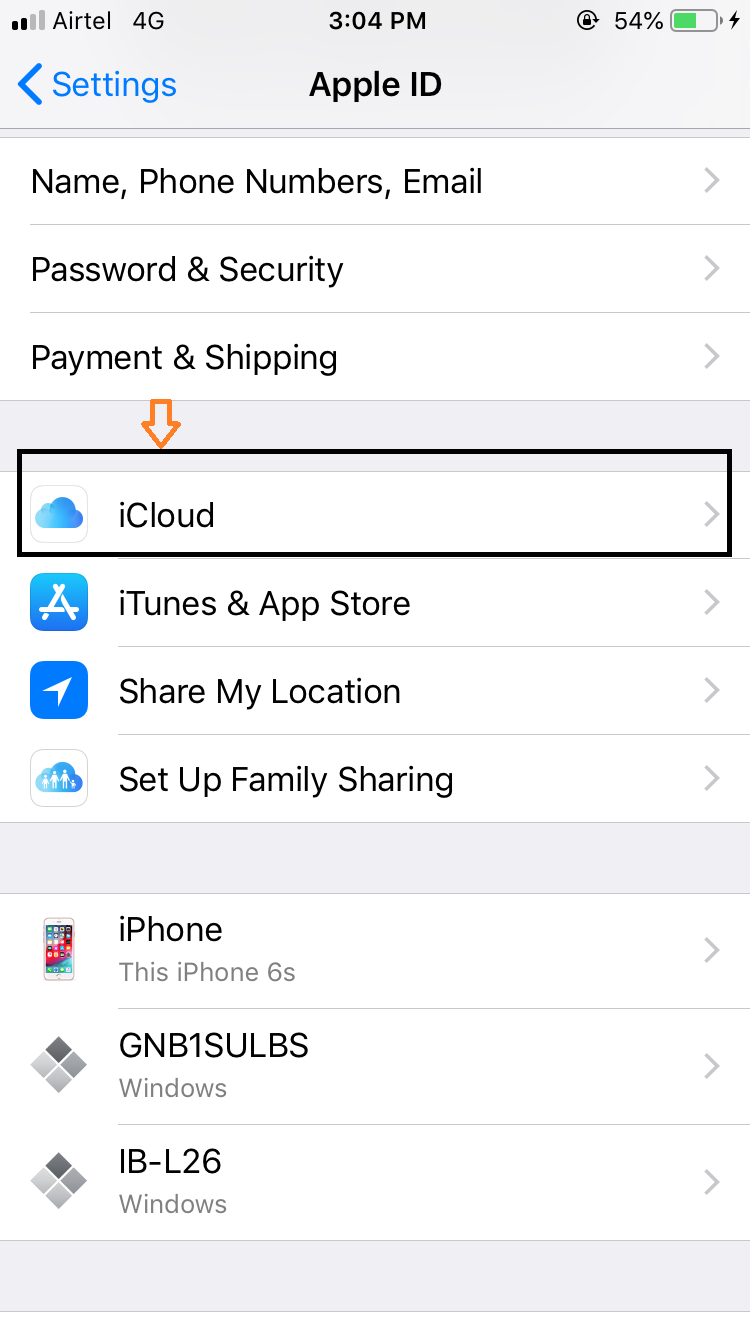 How To Retrieve Contacts From Google In Iphone . Sign in to your google account.
 How To Retrieve Synced Contacts From Google . If you deleted them by mistake you can always restore them from the trash folder within those 60 days.
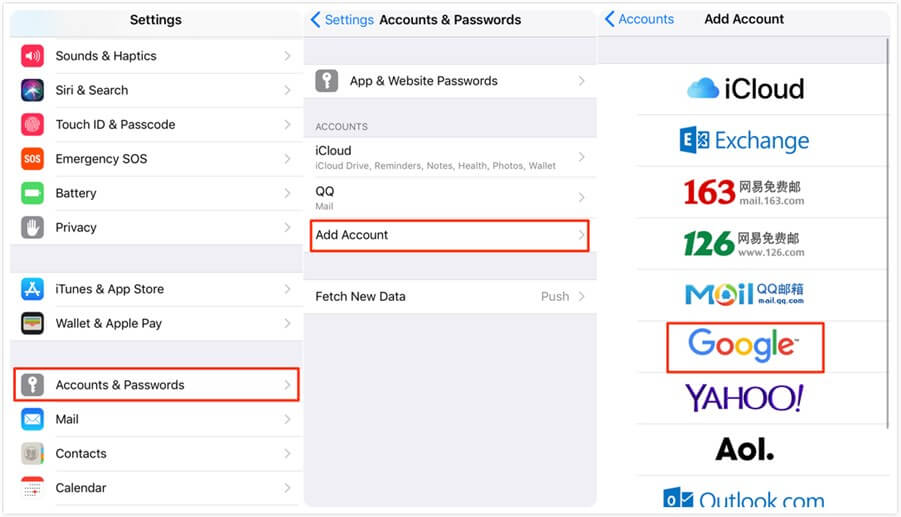 How To Retrieve Contacts From Google On Iphone . It looks like an “ i ” inside a circle.
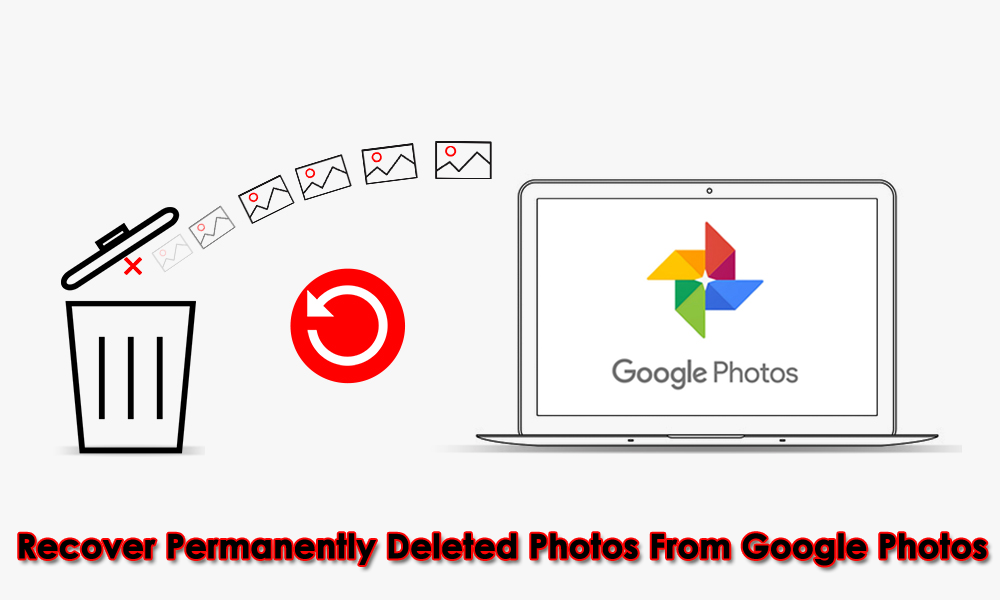 [4 Methods] Recover Permanently Deleted Photos From Google . Is there any way to retrieve my original sized photos?
 How To Retrieve Synced Contacts From Google . You will then find the ‘trash’ folder on the top.
How To Retrieve Contacts From Google In Iphone . After selecting “bin”, you will.

Comments
Post a Comment