7 Latest Illustrations How To - Free illustrations, backgrounds and illustrator templates in eps and ai formats. How to use illustration in a sentence. Text on cartoon illustrations . Transform photos into watercolors with a free. Illustrations how to 7 Successful Illustrations How To . Illustrations images photos vector graphics illustrations videos. On pixiv how to draw page, you can easily find drawing tutorials, step by step drawings, textures and other materials. There are many types of. Illustrations how to 500+ free illustrations & animations. How to make flat illustrations original and add personal style to them today, many designers try their creativity in flat illustration. Suggestive illustrations on the gospel of john: Illustrations how to The meaning of illustration is something that serves to illustrate. Adobe.com has been visited by 100k+ users in the past month Attract more visitors and increase your conversion rate with custom made illustrati...
10 Succeed How To Tell What Iphone Model - Some ios versions display the model name, which might be all you need to know (for example, iphone 11) the part number will be listed to the right of model number. If you need to find the exact model number, here’s what you do.follow macworld for more iphone and apple up.
 What iPhone Do I Have? Find Our Which iPhone Model You Own . Tap it to display the model number.
How to tell what iphone model

13 Sly How To Tell What Iphone Model. Correspondingly, how do i tell which model iphone i have? Here’s the easy way to find out 2 which iphone model do you have? But it did have some nice little updates for users. How to tell what iphone model
Tap it to display the model number. The first character of your model number also lets you know what condition your iphone. How do you tell what iphone you How to tell what iphone model
This will help you in the process of tryi. New iphones list the model name in settings, while old iphones will only give you the model number. You can check what iphone model you have in the settings app. How to tell what iphone model
Browse to settings > general > about. To find the model number on a new. The iphone has changed a lot since it first launched in 2007, but that doesn't mean it's easy to tell one iphone from another. How to tell what iphone model
Match that to the list below to find out which iphone model you own. Any iphone using ios 12.2 or later can see the model name under general > about > model name. Match the model number to the device and generation from the list below: How to tell what iphone model
If you cannot read the text on the back of the iphone, launch the ios settings app and navigate to general > about > model (or model number). This is the best approach to use, here’s where you will want to look and what to look for: Literally it is as simple. How to tell what iphone model
This section will give you device info, including the iphone model name, such as iphone 11 pro max or iphone xs, and the model number, which can identify the region that it was produced for. You can identify your iphone model by examining the model number on the back of the phone, or by Tap once on model to reveal the model number. How to tell what iphone model
Tap once on model to reveal the model number. Contents 1 what iphone do i have? 2.1 find the “a” model number on all iphones 2.2 match the ‘a’ model number to your iphone 3 how to check which iphone model you have, and find your exact model number. How to tell what iphone model
One of the simplest ways to know your iphone’s model is by tracking its model number via the settings menu. The model name will tell you the exact model of iphone you have. Reference the model number on the table below to identify your iphone. How to tell what iphone model
What iphone model do i have the following list features every iphone model (including model numbers) that apple has ever launched, from most recent to oldest. The easiest and most straightforward way to check what iphone model you have is to head to settings > general > about. Find the iphone model number on the case. How to tell what iphone model
Do you know which iphone you have, specifically? If you are to look for a model number on your ios device then there is one way for it and i.e.: Flip the iphone over and look at the small text under the “iphone” badge. How to tell what iphone model
If you flip your iphone over and look at the back you will see a model number located near the bottom of the phone. On iphone 8 or later: What is your iphone (10.2.1 or earlier) step 1: How to tell what iphone model
If you cannot read the text on the back of the iphone, launch the ios settings app and navigate to general > about > model (or model number). With that information you’ll want to match the. One very helpful additional was the ability to quickly check what iphone you under. How to tell what iphone model
How to tell iphone model: From here you can see the software version, model name, and model number. Make note of where it says “model axxxx” and compare that to the list below. How to tell what iphone model
Most iphone models look identical, which can make it difficult for you to determine the model of your own iphone. Ios 10.3 or later ios 10.3 didn’t have the most spectacular features. The part number is right next to the model number. How to tell what iphone model
How to tell what type iphone you have by model number. How to tell what iphone model
 iCloud Bypass Activation Lock on iPhone How Do You Know . How to tell what type iphone you have by model number.
How to Tell Which iPhone You Have 7 Steps (with Pictures) . The part number is right next to the model number.
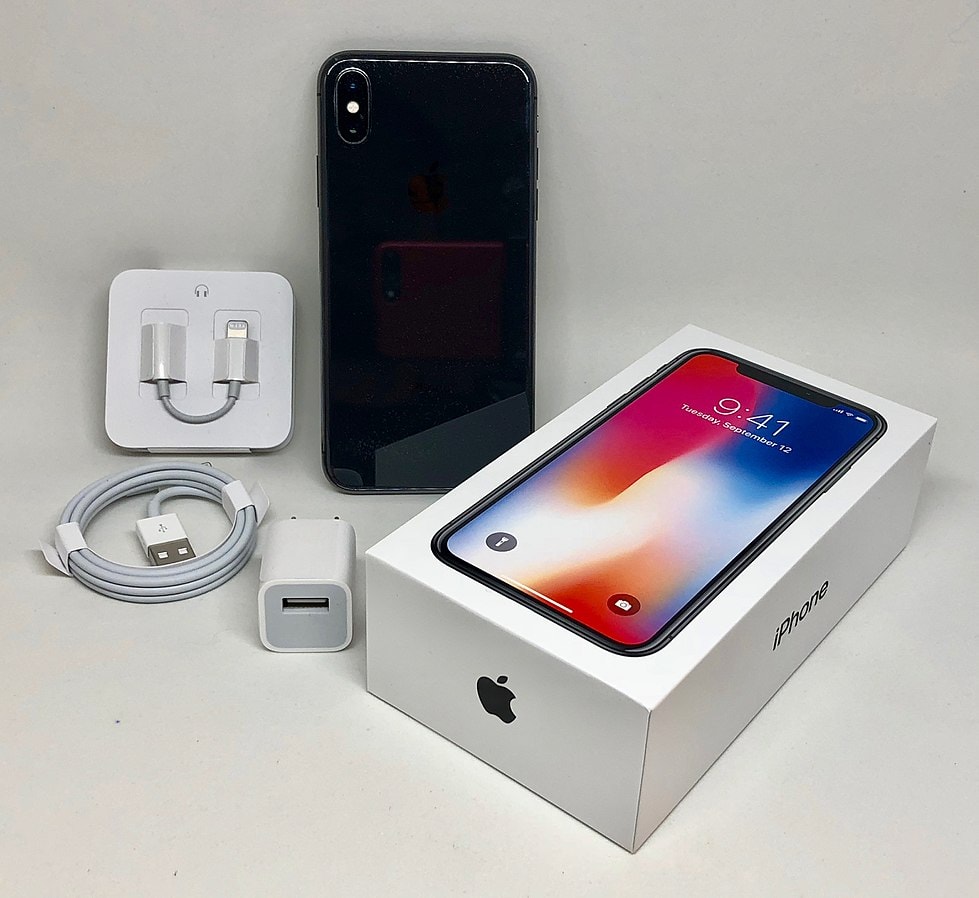 How to Tell iPhone Model Everything You Need to Know . Ios 10.3 or later ios 10.3 didn’t have the most spectacular features.
 How to tell what iPhone model you have Compsmag . Most iphone models look identical, which can make it difficult for you to determine the model of your own iphone.
 How Do I Know Which iPhone Model I Have? Iphone models . Make note of where it says “model axxxx” and compare that to the list below.
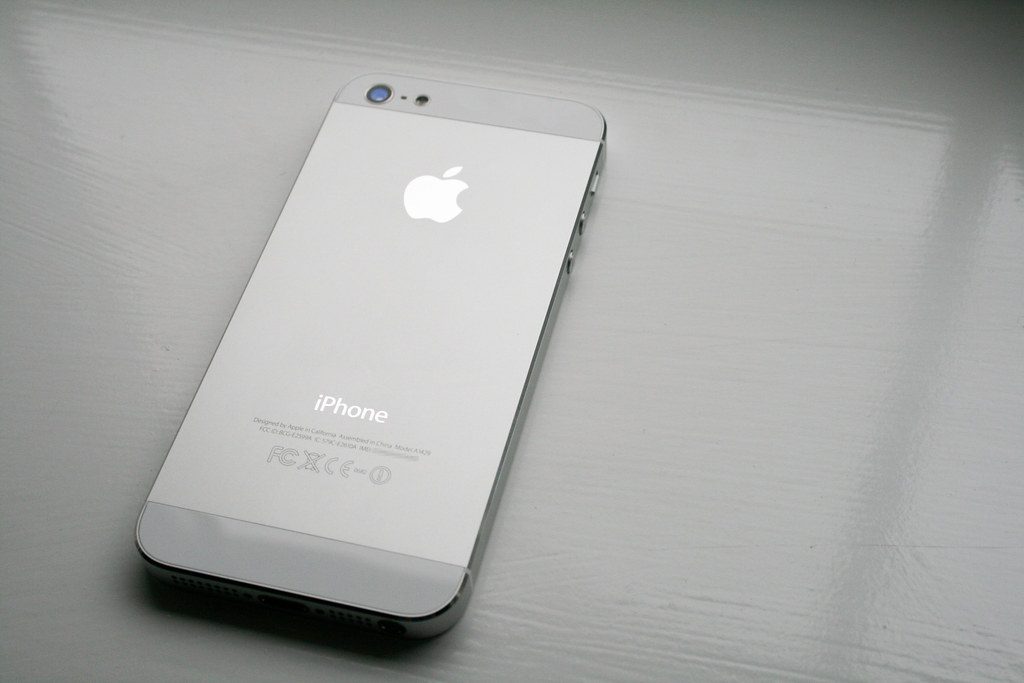 How to Tell iPhone Model Everything You Need to Know . From here you can see the software version, model name, and model number.
 What iPhone Do I Have? How to Identify an iPhone Model . How to tell iphone model:
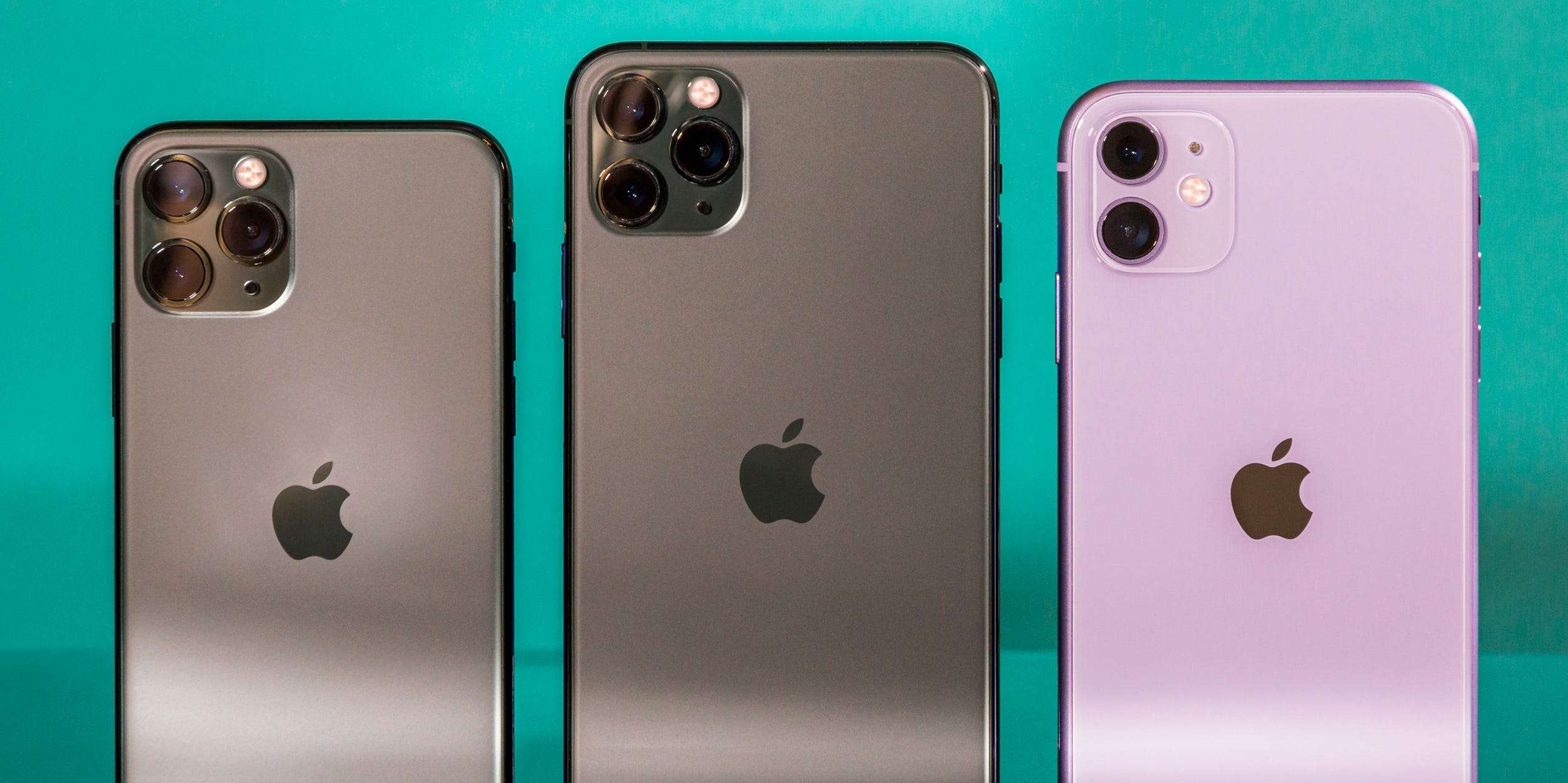 How to tell which iPhone model you have and find your . One very helpful additional was the ability to quickly check what iphone you under.
 How to Tell an iPhone 4 from a 4s 8 Steps (with Pictures) . With that information you’ll want to match the.

Comments
Post a Comment